


With your ARMLS subscription, you have access to CurbView, but do you know you also have access to a Demographics Report? A Demographics Report delivers information like population trends and provides statistical data such as age, race, gender and income for a population.
A Demographics Report is a research tool for subscribers, clients and investors alike. For investors, it can be used as a market predictor for population growth and future opportunities. For potential buyers, a Demographics Report can help paint a picture of neighborhood characteristics before putting in an offer.
How to Access the Demographics Report
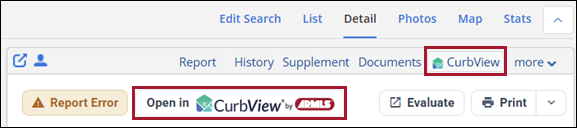
To view the Demographics Report in CurbView, visit a listing’s Detail tab in Flexmls to click CurbView in the upper right. Then, click Open in CurbView in the upper left.
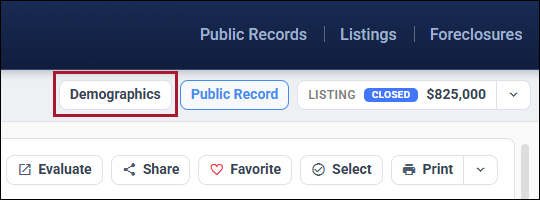
Once the public tax record report is open, you’ll see a Demographics button in the upper right. Click it to view the report.
In the Demographics Report provided by CurbView, you can view information about Population, Housing, Quality of Life, Schools, Local Business and Shopping.
You can learn more about The CurbView Tax System by taking the online course or registering for a class with one of our ARMLS instructors.
Try it for yourself today!

