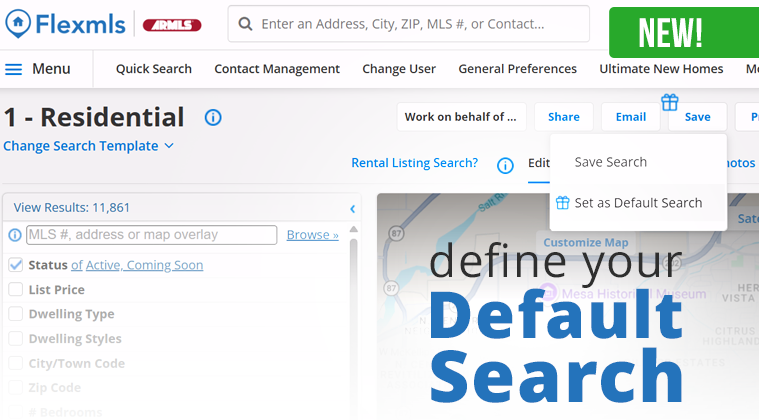
There’s a new feature in Flexmls! Users can now save a pre-filtered search as their default. Those who regularly search within specific counties or ZIP codes can set those criteria just once and have them applied automatically each time they run a new search. This is especially helpful for MLSs that cover large geographic areas.
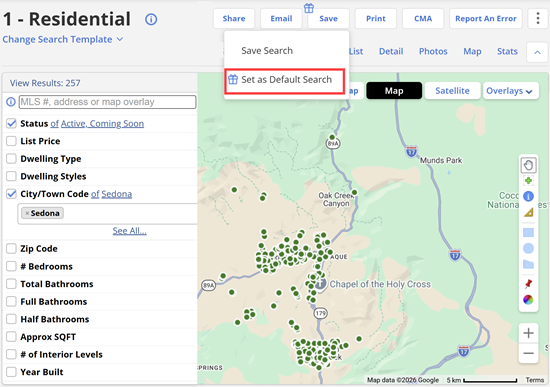
Customize your default search using any combination of fields and filters.
How to Save a Default Search
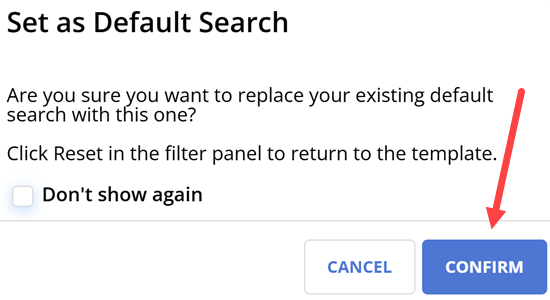
Once you create your search criteria with fields and mapping options, click Save at the top middle. You will then have the option to Set as Default Search. A pop-up confirmation will ask, “Are you sure you want to replace your existing default search with this one?” Click CONFIRM, and you’re set!
Plus, when searching, there is now a convenient Reset Filters button at the bottom, making it easy to start fresh whenever needed.
For more questions or assistance, please reach out to ARMLS Support.