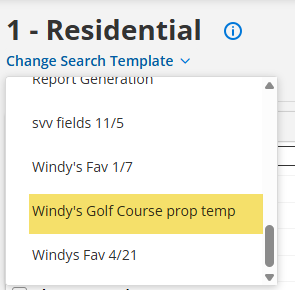
Save your own template in Flexmls to include all the fields you need and none that you don’t! By using the Flexmls Quick Search Template, you can search your own way.

Using the Quick Search Template
Flexmls can be modified in several ways to customize the MLS to suit your specific needs. Taking a few minutes to create a template that works for you will make searching a swift and easy process going forward.
Please note, the Quick Search Template will only save the search fields that are added and appear to the left. If you want to save any criteria you typed in, you will need to save a search.
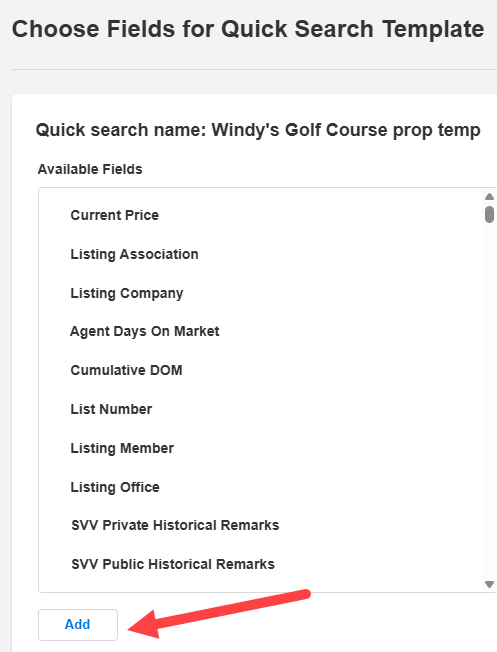
If you need to add or modify an existing template, go to Menu and find Quick Search Templates under Preferences. Click New to create a Quick Search Template. You will need to give your Quick Search Template a name. Select the desired Property Type, optionally select a Default View, then click Next.
Here you can add Available Fields and move Fields Up or Down on your search list.
When done, click Save, and your customized Quick Search Template will live in the property classes drop-down list.