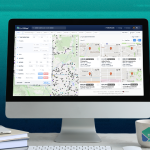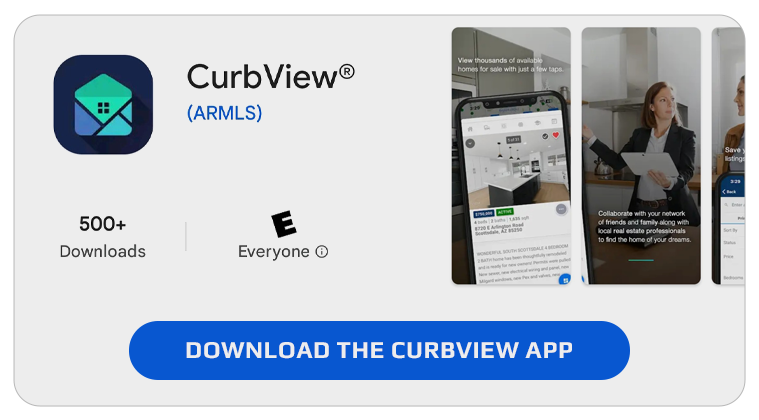
CurbView® is the next-generation public records and tax software developed by ARMLS®. CurbView combines public records information from the county assessor, recorder and treasurer with MLS data and puts it into a stronger, more modern interface.
You can access CurbView in three ways: on a listing’s Detail report in Flexmls, going straight to CurbView.com or downloading the mobile app.
Downloading the CurbView App
Apple App Store
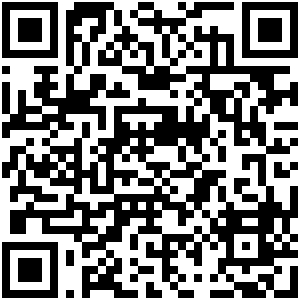
Google Play Store
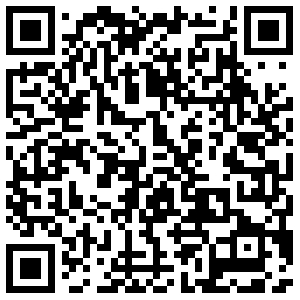
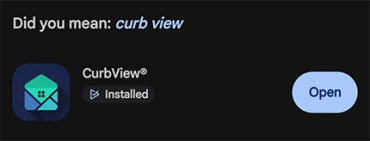
Once you scan the QR Code or complete a search for CurbView, click Install. After the install is complete, click Open.
You may be asked about device location sharing and enabling push notifications. Choose the selections important to you.
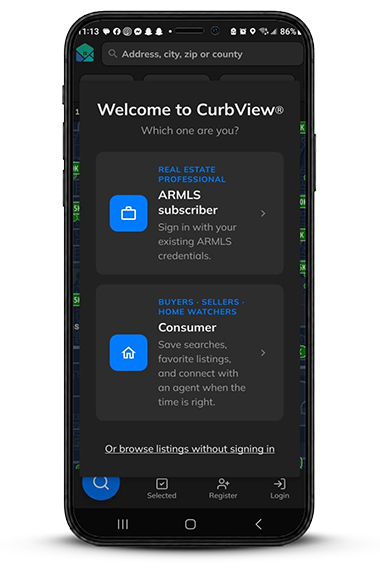
Next, be sure to select ARMLS subscriber so you get access to CurbView as a real estate professional.
Logging in to CurbView
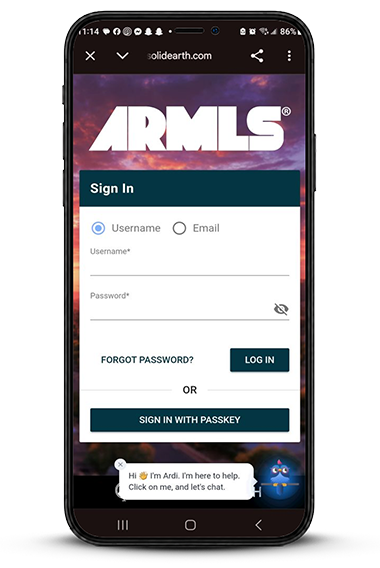
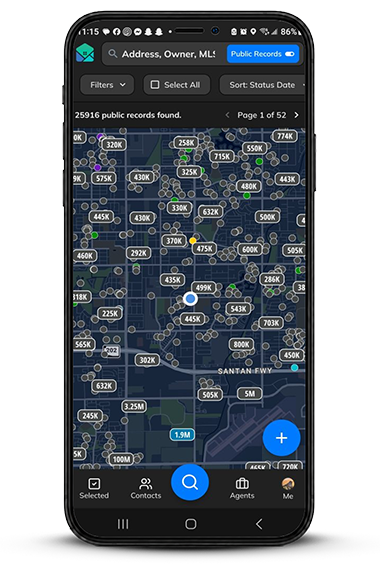
Next, you will be asked to log in using your ARMLS user ID and password or passkey (if enabled for this device). After logging in, you are ready to start using CurbView on your mobile device.
For more assistance with logging in, please contact ARMLS Support.