


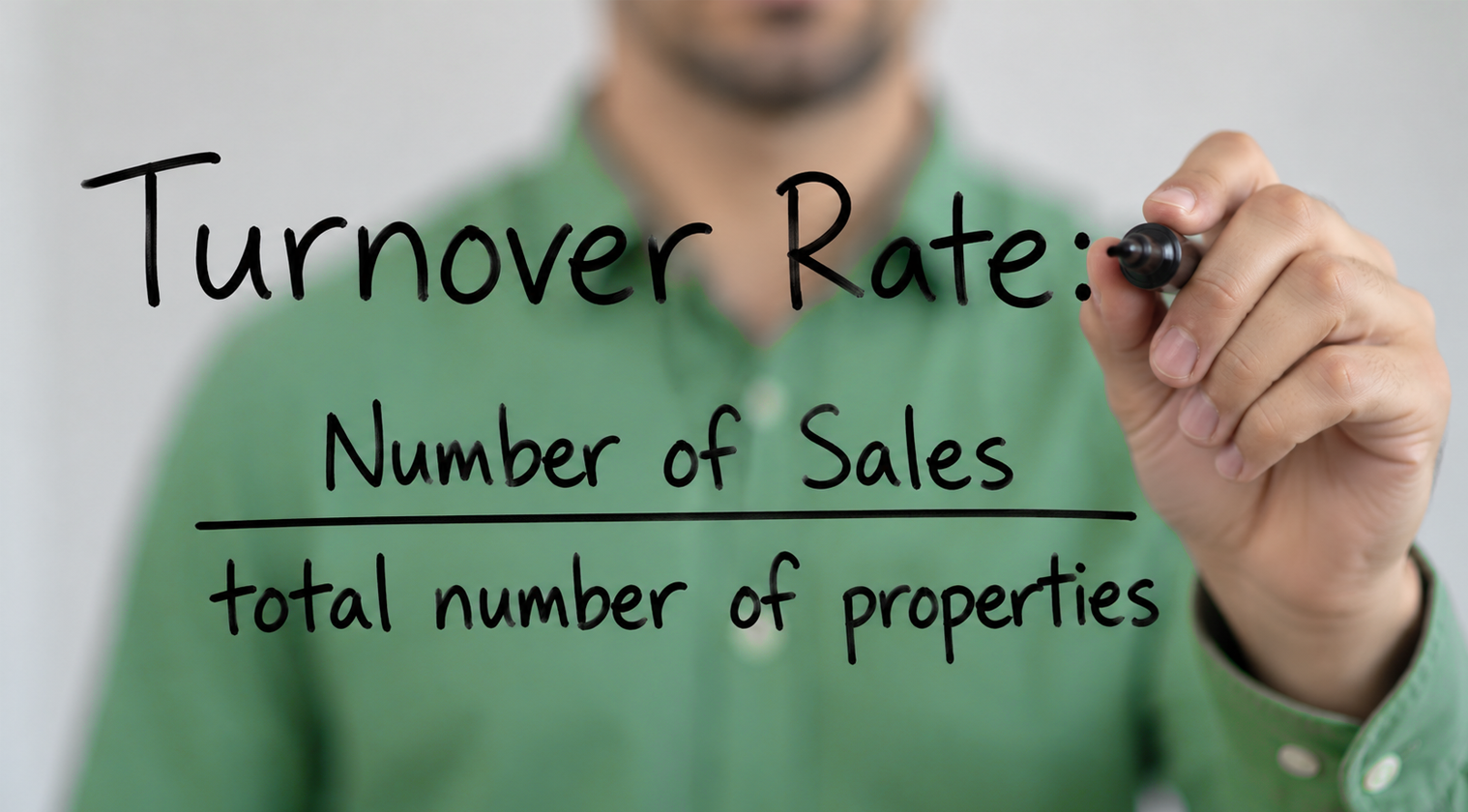
Similarly to net absorption rate, turnover rate can help you find more data about home sales. Turnover rate helps you calculate all of the movement of homes bought and sold in a specific neighborhood or area within a specific time frame. The best way to calculate this is to use CurbView to ensure you find all properties and sales.
Calculating Turnover Rate
1. Find the total number of properties in a given area.
Start by doing a Public Records search in CurbView, narrowed down by the specific area you want to search. We will search by the subdivision and property type (property type ensures that you are removing commercial properties from your search).
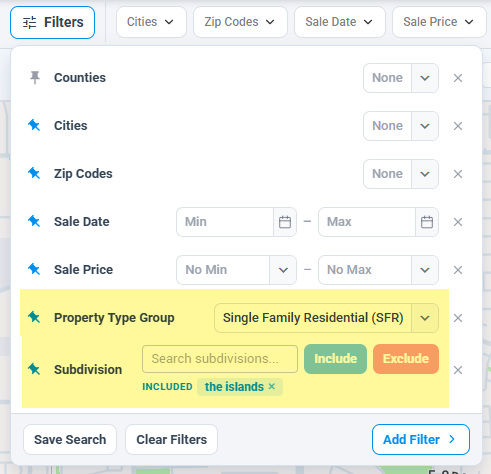
We get 947 properties.
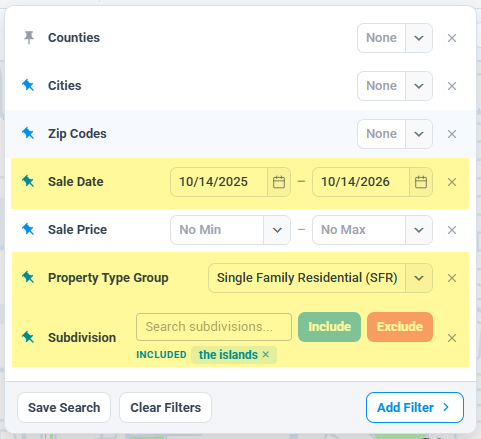
2. Add the sales date.
When we go back one year (10/14/25 – 10/14/26), we get 44 properties.
3. Divide the two.
44 ÷ 947 = .0464. This means that homes in this neighborhood had a turnover rate of 4.6%.

