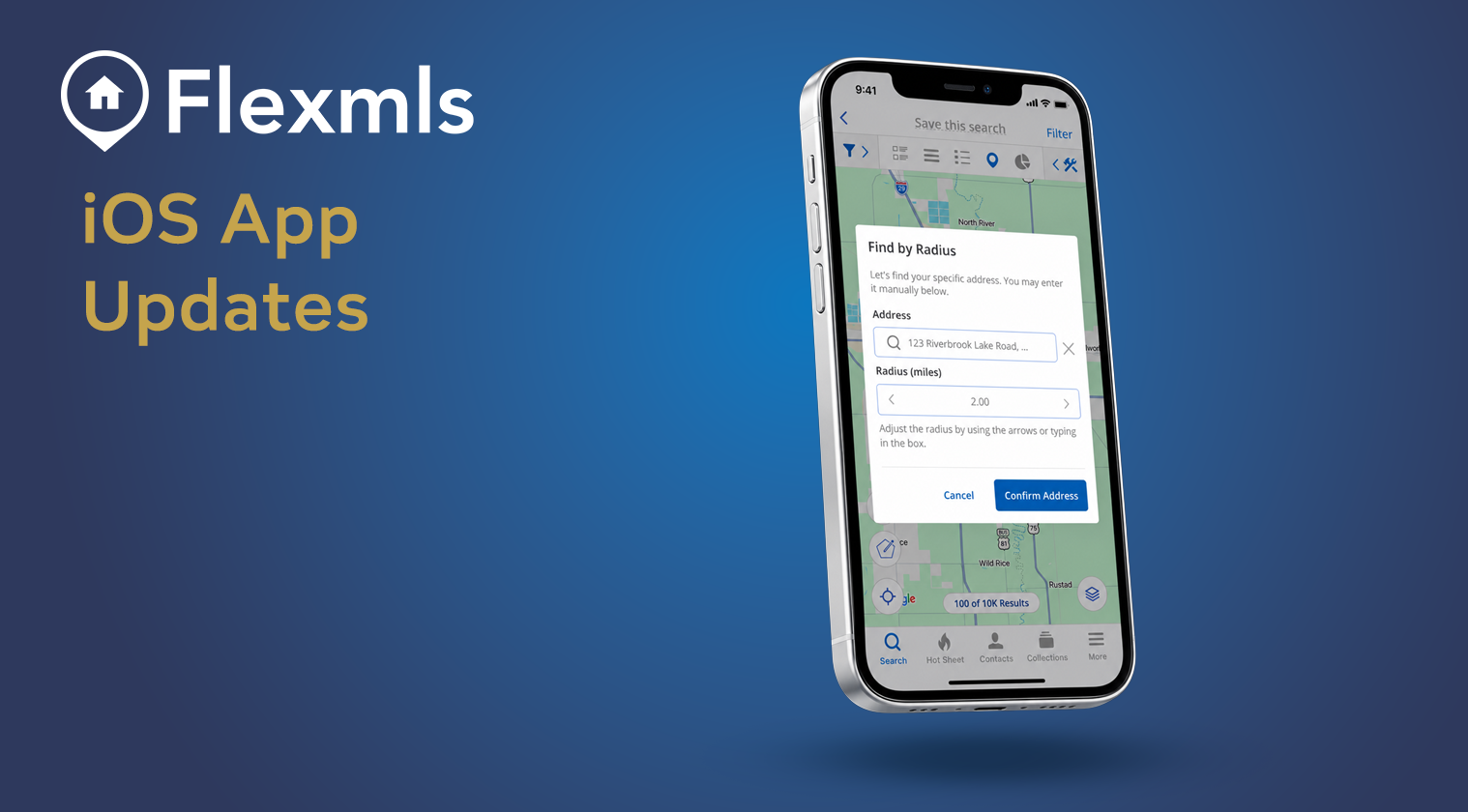
FBS is making improvements to the Flexmls Pro mobile app on iOS to provide a more streamlined experience for searching, comparing listings and managing contacts on the go. Take a look below for details on each update.
Search Using a Radius
Now you can search for listings within a specific distance of any address. From the map, tap the pushpin icon , enter an address and choose the distance you want the radius to search by. If you need to adjust the radius by making it larger or smaller, you can simply drag it. Radius search is now also available within the search filters.
Import Contacts from Your Mobile Device
Quickly add new contacts by importing them directly from your phone’s contact list instead of entering their information manually. Simply tap Import Contact, then select a contact from your phone’s contact list. Their information will autofill in the Flexmls app where you can then save the contact. Any imported contacts from your mobile device(s) will automatically sync to desktop making them accessible anywhere.
View More Listing Details at a Glance
The new List View in your search allows you to easily scan additional details of listings from your results, making it easier to compare listings without opening them individually. Swipe horizontally to view key details, then tap a listing when you want a closer look.
Clear All Selected Listings
Ready to start fresh? Clear all previously selected listings at once before beginning a new search. As soon as you begin a new search, you will automatically be prompted to either keep, clear, or always clear your selected listings.
Find a Field
Quickly find specific details on a listing by searching by keyword such as “HOA” to highlight the data in the listing detail report.